
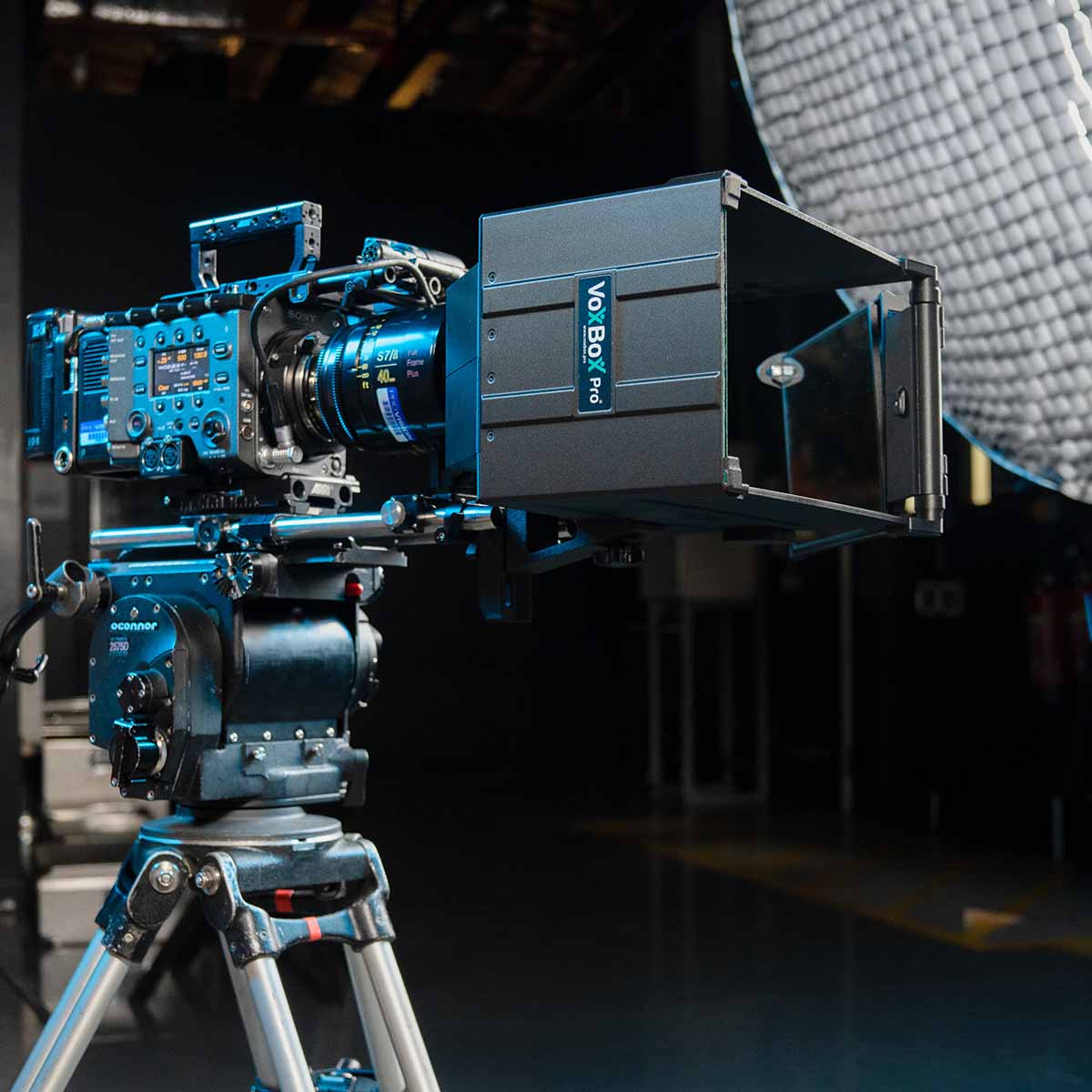
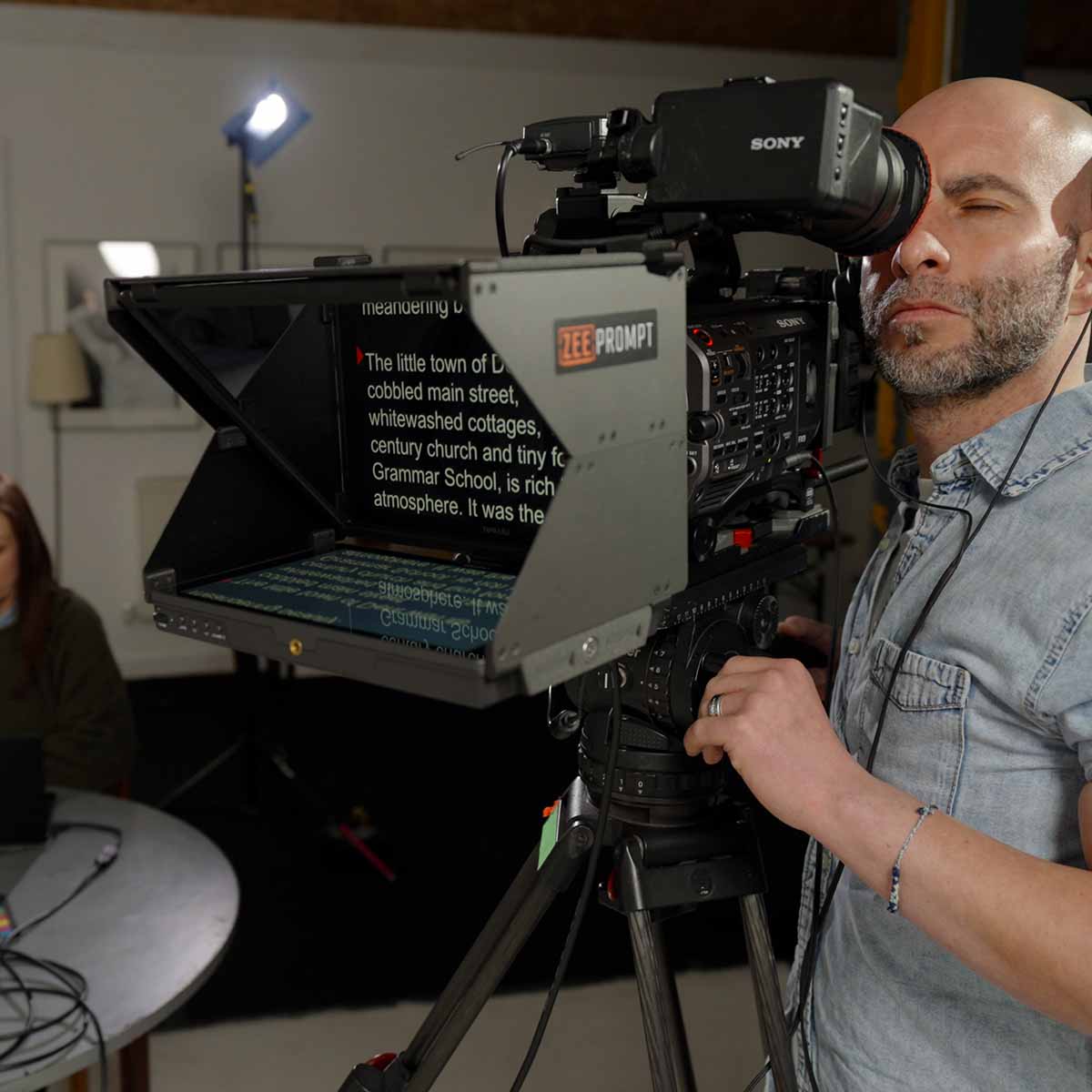
ZeePrompt ZP15
Setup & FAQs
For model ZP15-HDMI
Watch video guide, download the manual and get answers to FAQs..

Play
ZeePrompt FAQs
Standard 15mm rails are recommended for optimal use, which you should already have if you have a matte box. Your rails should not extend beyond the front of the lens. You will also need a medium/heavy duty tripod to support the front weight of the main box unit.
No, the monitor functions like a standard HDMI monitor but with added USB-C DisplayPort functionality. In addition to connecting a computer, you can connect smartphones and tablets with the included data cable.
Yes, it has a standard 5V USB-C input. Power from any USB supply/powerbank or wall outlet. Note the kit ships with a mains PSU as standard.
The unit is about 2.2kg (4.8lbs).
The rail block on the main unit can be adjusted to center the lens through the hole. Approximately 50mm of adjustment is possible.
The ZeePrompt ships with a 16mm receiver adaptor. This screws onto the base of the unit which allows you to attach it to a standard lighting stand. The unit can then be positioned in front of the camera lens. Standard threaded 3/8th inch and 1/4 inch holes are on the base making it easy to mount on tripods and other grip.
You will lose less than 1 stop of light through the glass. This is not a problem for most cameras. The glass ‘warms up’ the image slightly, which can be corrected in post-production if necessary.
On a full-frame sensor, the widest focal length is approximately 24mm before the edges of the ZeePrompt are visible in the shot.
The opening at the back of the ZeePrompt (where the lens is positioned) is 140mm. Doughnuts are supplied to fit on various lenses.
The ZP15's monitor is rated at 400nits. Its fully enclosed hood blocks stray light from the sides and above, so it stays readable outdoors in daylight and shade. For shoots in direct sun, position the camera so the sun is behind the prompter.
While some teleprompter manufacturers provide distance tables, we don't, however we suggest anywhere between 4-8 metres. There are many factors to consider, such as how good the presenter's eyesight is, and how big the text is on screen.
The glass is built into the unit and does not need to be removed during normal use. If it gets damaged, a replacement glass can be purchased from our website.
Make sure all dust and grit is brushed or washed from the glass. Do not rub it when dry. When clear of dust and grit, the surfaces may be cleaned using any soft cotton based cloth. Man-made fibres will eventually damage the surface. Dabbing the surface with a damp soapy cloth to remove dust and grit is safe. The glass can then be polished. Non-greasy window cleaning products used in conjunction with a cotton cloth should be safe, once all grit has been removed.