
Today we’re releasing a major update to ZeeCue, our custom-written teleprompter app: it now runs as a web app. There’s nothing to install. Open zeecue.app on a laptop, iPad or phone and you’re ready to prompt.
It’s a public beta, so we’re still testing and tuning in the open. If you’ve been using the Windows and Mac app, nothing is taken away: the desktop version is still available to download further down this page.
Voice tracking that behaves like an operator
The feature we’re proudest of is the voice tracking. ZeeCue listens to the reader and scrolls the script to match, but the way it moves is what matters.
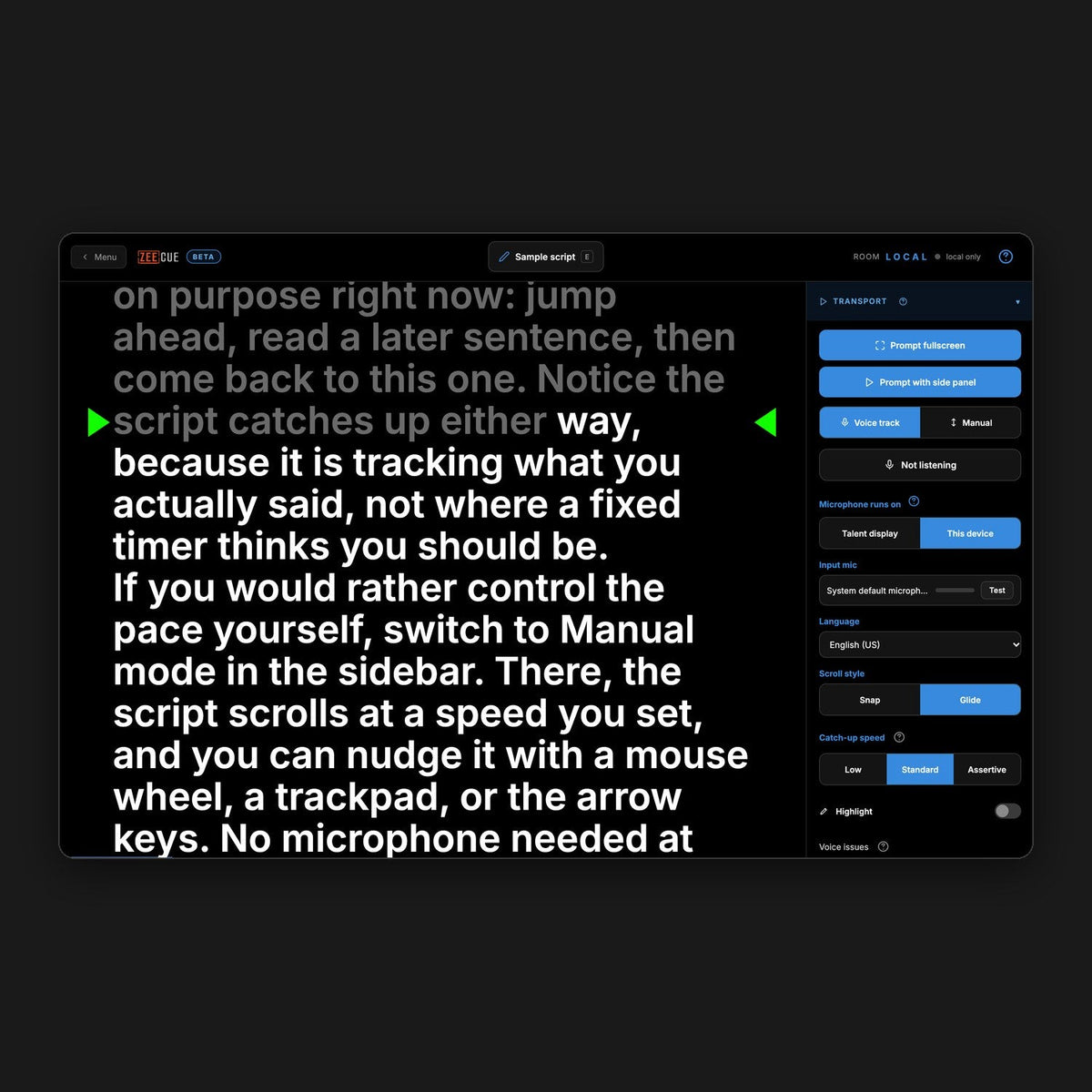
A fixed-speed scroll leaves the reader chasing the text. A jumpy voice tracker lurches from line to line. So we measured how a real teleprompter operator rides the scroll and built ZeeCue’s Glide mode around it. It eases along with the reader, slows through a pause, and picks up again when you do. If you read a stretch quickly and get ahead, a Catch-up speed control (Low, Standard or Assertive) sets how firmly it closes the gap.
Prefer to drive it yourself? Manual mode gives you a speed control and a big Start/Stop button, and it works with a mouse wheel, a trackpad, arrow keys, a foot pedal or a Bluetooth remote.

Built for the way you shoot
- Talent display: send the script to a second monitor or an iPad, mirrored for a beam-splitter if you need it.
- Phone as a remote: join a running session from your phone to start, stop and re-cue without showing any script.
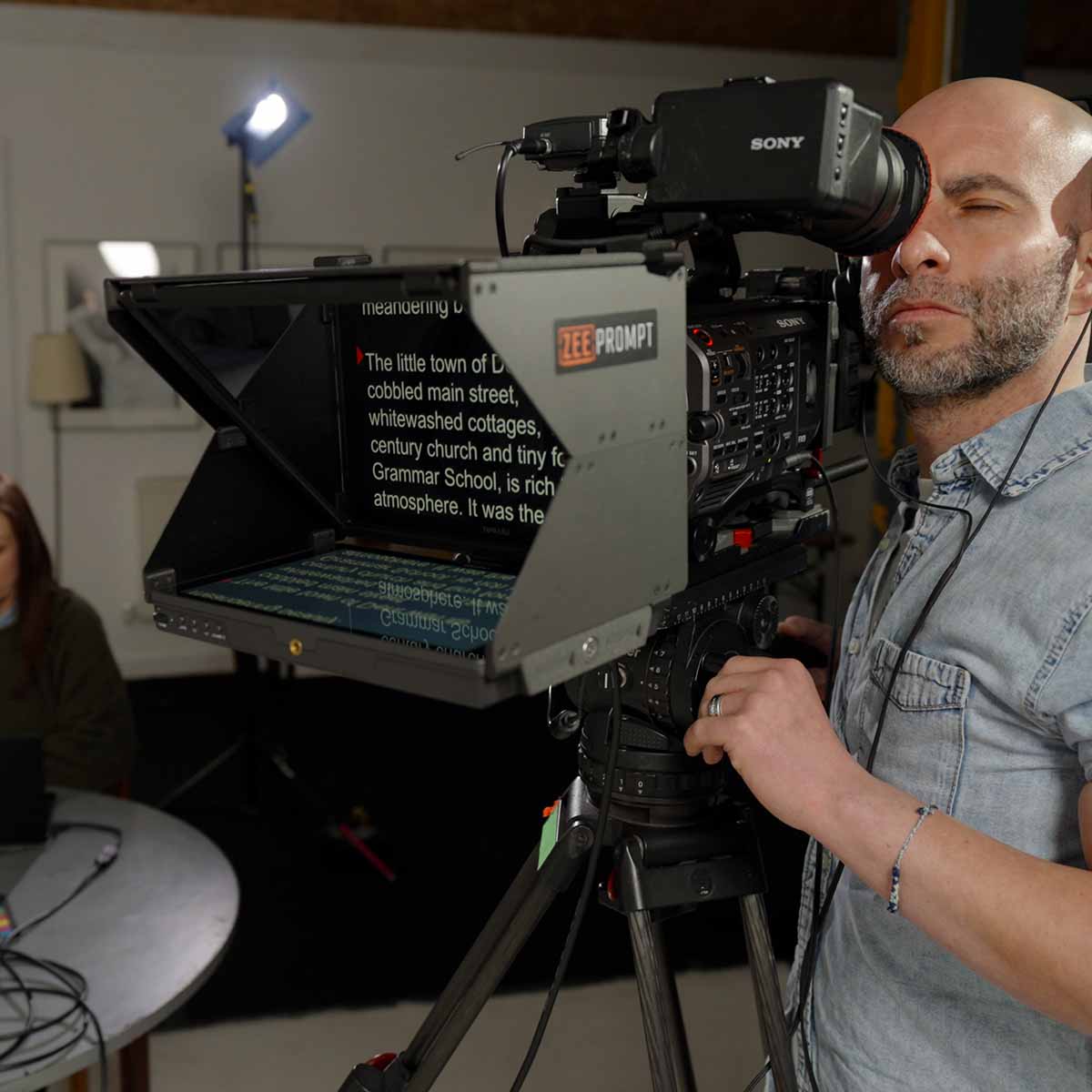
- Works with ZeePrompt, or any setup: use it solo on one device or pair a laptop with a separate display.
- Read line and layout controls: adjust the read line, margins, text size and direction, including right-to-left languages.
- Voice issue reports: if the tracking ever loses you, one key press logs what the microphone heard, and you can send it straight to us.
Try it free
Start a 14-day trial at zeecue.app. We’ll email your key, and the full user guide is at zeecue.app/help. You can also unlock using your existing ZeeCue licence key.
Because this is a beta, we want to hear what works and what doesn’t. Reply to any ZeeCue email or write to support@primelightdesign.co.uk, and tell us how it behaves on your setup.
ZeeCue is a PrimeLight Design product.


Leave a comment
All comments are moderated before being published.
This site is protected by hCaptcha and the hCaptcha Privacy Policy and Terms of Service apply.